
How to Use Snapchat?
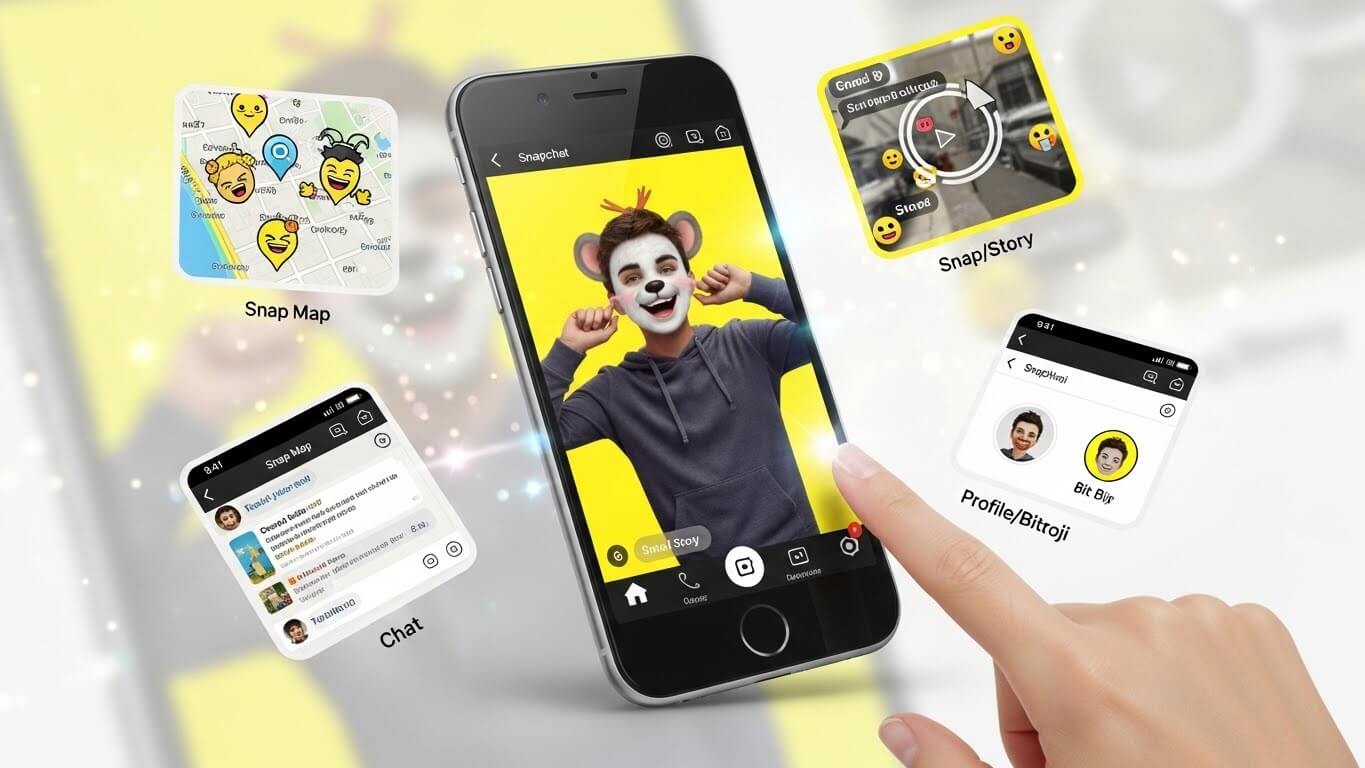
Snapchat is one of the most widely used social media apps today, combining videos, photos, a messaging feature, and other creative tools to create an engaging platform for users.
To take full advantage of Snapchat, we’ve written a detailed article covering its main features and explaining how to use the platform effectively. We’ll go over the basics of these features and how to get started by using them.
- Set up Snapchat on your device:
- Download Snapchat from the App Store and Google Play Store .
- Open the app and sign up using your account
- Enter your email address, phone number and birthday
- Choose a username by which you want to be known
- Follow the steps to set up your account.
- Snapchat Layout
The layout of Snapchat is simple and user-focused.
- Camera: Available as the main screen when opening Snapchat.
- Chats: Just swipe right to access your messages.
- Stories: Swipe left to access the snaps shared by friends
- Profile Details: Swipe down to access settings and your account.
- Memories: View saved Snaps and Stories.
- Snaps:
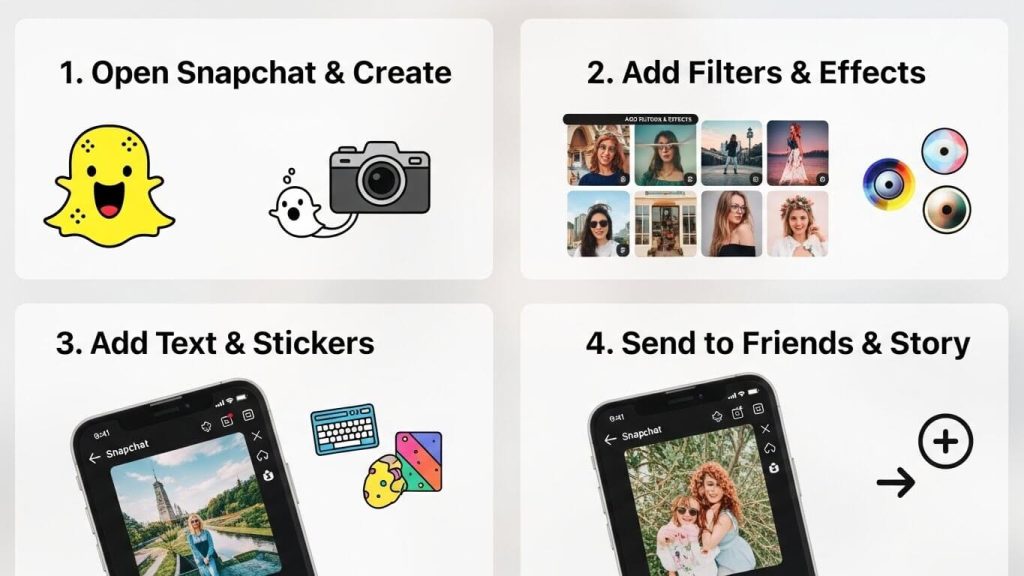
One of the main aspects of knowing how to use Snapchat is utilising the Snaps feature. Snaps allow you to send pictures of things you want to share with your circle. To use it is pretty simple. Just follow the steps below:
- Tap on the big circle to take a photo or hold the button to record a video.
- Add stickers, filters or text by selecting the options on the screen
- Now press the send arrow button to share the picture/video with friends.
- Adding Friends on Snapchat:
- Search for new friends by username
- Scan someone’s Snapcode
- Quick Add suggestions.
- Sync from your contacts.
By adding them as your friend, you can now talk to them, send snaps and do much more directly.
- Chats and Video Calls:
Snapchat also supports video, voice call and chatting as well. To use these features, follow the steps below:
- Open chat by swiping right from the camera screen
- Tap on a friend’s name you want to start a conversation or call with.
- Then use the phone or camera to perform your desired action.
- Stories:
- Stories: Stories you publish are snaps which your friends can see for 24 hours. After 24 hours, they are removed from your profile.
- Spotlight: This is a feed of short videos shared by creators from all over the world. You can like and share videos you enjoy with friends as well.
- Snap Map:
This is a cool feature allowing you to see where your friends are, just open the maps via the camera screen and see the different snaps from all over the world.
- Filters and Effects:
Snapchat has many different filters, stickers and emojis for you to explore.
- Swipe left to access the filters library, and add the filters you want to your pictures.
- Add stickers or Bitmoji avatars on each snap to personalise it.
- Snapchat has a really cool feature called Lenses, in which you can open the camera, long-press on your face and then select from various faces such as dog faces or different emojis.
- Snapchat Planets:
- Snapchat Planets is also a hidden feature not known by many. It allows you to see your top 10 friends on Snapchat and ranks them by placing them on different planets, with you being the Sun; the closer the planet is to you, the closer the friend is accordingly. We’ve covered this feature in detail here.
- Memories: This is your Snapchat gallery where you can save snaps, repost old snaps and make store compilations of yourself. Swipe up from the camera screen to access memories.